
OmniPlayer Pro 2.0.19 – MKV & Video Player
OmniPlayer is a comprehensive media player for almost any video and audio format on macOS. It has powerful features with modernand clean design.You can use it to play various 4K/1080P/720P HD videos and normal/lossless audios easily with hardware decoding. You can also control and adjust the playback/playlist/video image/audio track/subtitles/screenshot etc. conveniently with the rich features.
Features
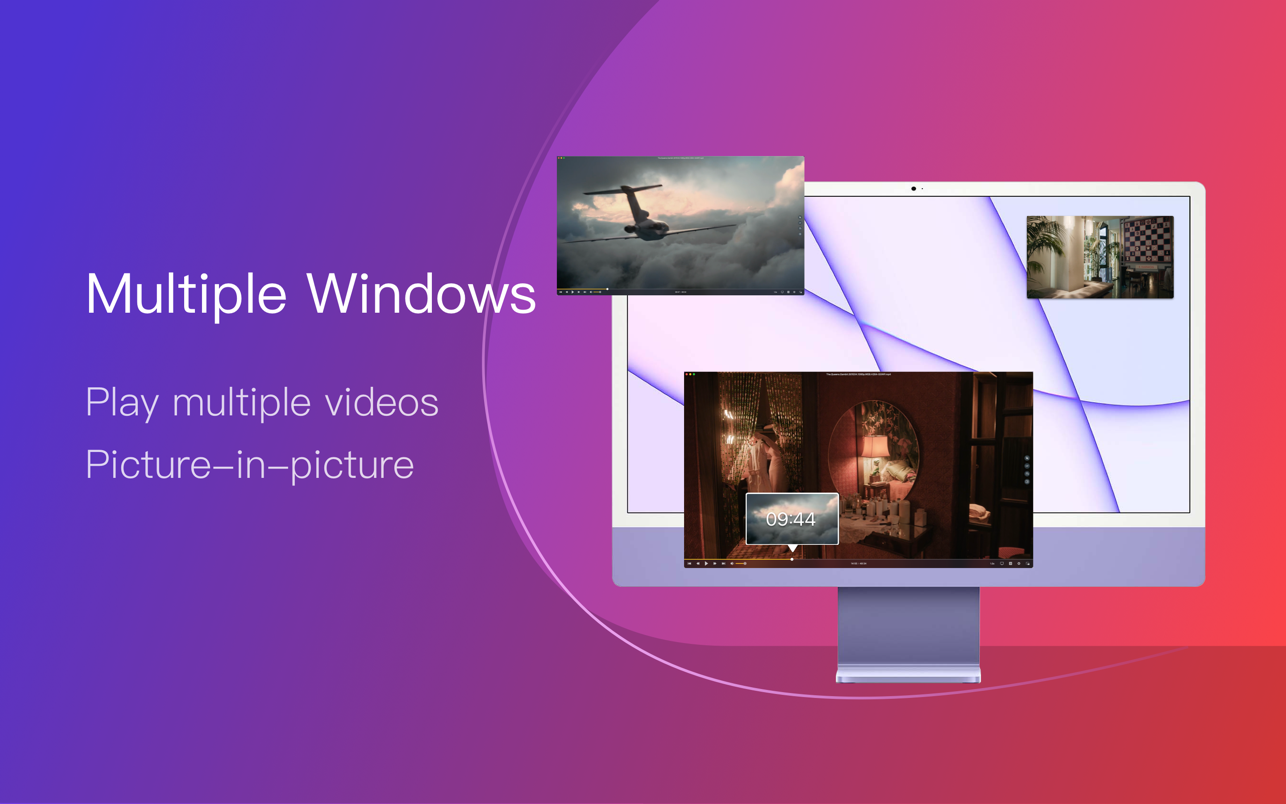
- Support Multiple Media Types Play almost any format of the local and remote server(samba/FTP protocol) videos and audios. Support online videos and audios with Http/https protocol. Play Youtube and Vimeo videos with webpage URL directly without online ads.
- Playlist Control Record media files to playlist automatically, and support clear all when exiting player automatically. Play/Search/Delete/Change repeat mode of media items in the playlist.
- Playback Control Pause/Resume/Fast forward/Rewind/Jump to specified progress time. Record last progress time of playback when stopping automatically. Show preview images on progress bar when playing a local video. Hide controls automatically to display pure video view without any occlusion. Adjustment playback speed from 0.25x-4x
- Video Image Adjustment Adjust window size and video image aspect ratio quickly. Adjust video image rotation in all directions. Adjust video image equalizer including brightness, contrast, and saturation.
- Audio Control Change audio delay time to make audio and video synchronization. Choose different audio tracks in the video. Choose audio mode such as Stereo, Dolby Surround, Headphones, etc. Customize audio equalizer or choosing predefined equalizer such as Classic, Rock, Pop, etc.
- Subtitle Control Load different formats of local subtitles in real-time. Search and load subtitles online with video name or hash, support most languages. Change subtitle color, size in real-time. Change the encoding of subtitles in different languages to fix the garbled problem.
- Screenshot Take a screenshot with different formats. Generating gif image up to 60s. One-click exporting movie thumbnail
- Wireless display DLNA protocol Chromecast protocol Roku channel
Version 2.0.19:
- Fix a crash issue
- Intel, 64-bit processor
- macOS 10.13 or later