
Summary
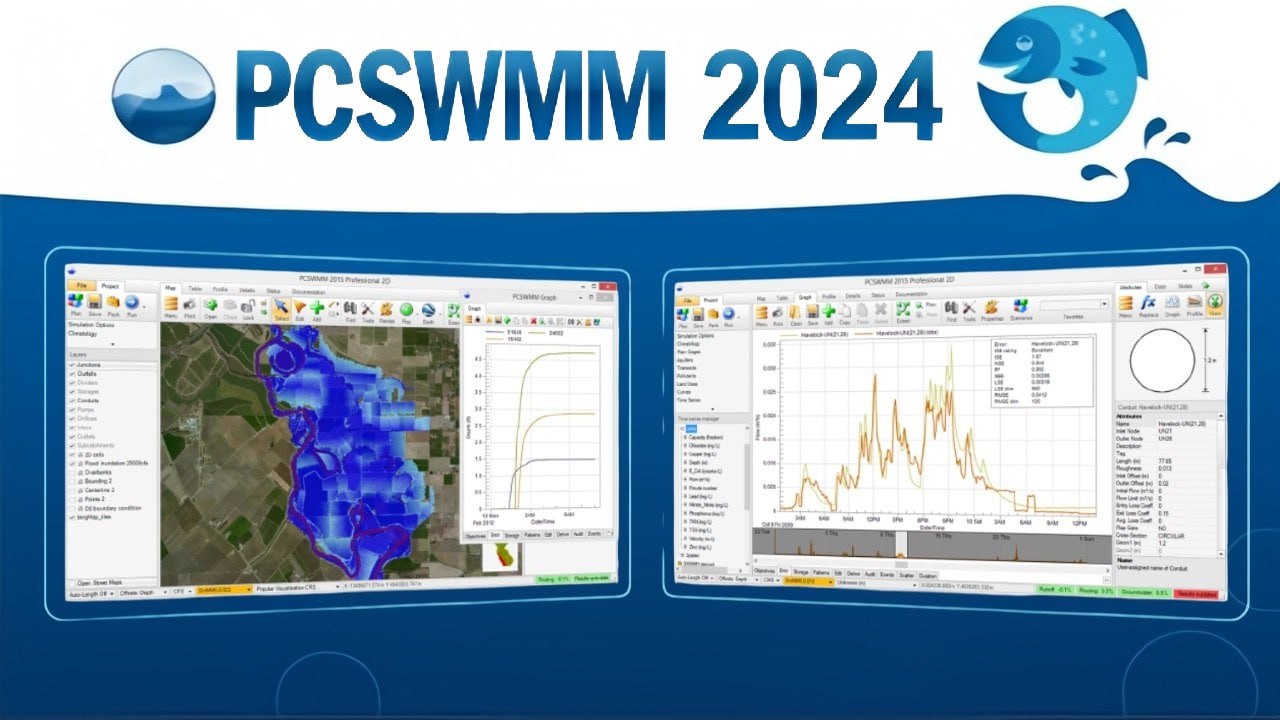
PCSWMM Professional 2D is a comprehensive spatial decision support system for stormwater management and urban drainage modeling. Developed and maintained by Computational Hydraulics International (CHI), this professional software leverages the power of the public-domain EPA SWMM5 engine while adding a robust suite of GIS tools, advanced analytics, and an intuitive graphical interface. The latest version, 7.7.3920, released in March 2025, solidifies PCSWMM’s position as an industry-leading solution for engineers, hydrologists, and urban planners.Key Features
PCSWMM distinguishes itself through a deep integration of hydraulic modeling with spatial analysis. The software is designed to streamline workflows, from initial data import to final report generation.1. Advanced GIS and Data Management
The software acts as a powerful GIS engine specifically tailored for water management engineers. It offers native support for over 50 GIS and CAD layer formats, allowing users to create, edit, and reproject spatial data directly within the modeling environment without needing third-party software. You can leverage background maps from Bing Maps and OpenStreetMaps for instant georeferencing.2. Integrated 1D-2D Modeling
Version 7.7 builds upon PCSWMM’s strength in dual-drainage modeling. It seamlessly solves both the 1D domain (pipes, channels) and the 2D domain (overland flow) using the SWMM5 dynamic wave equations. This allows for accurate simulation of urban flooding, riverine flooding, and the interaction between surface and sub-surface systems.3. Low Impact Development (LID) Toolbox
PCSWMM is a critical tool for green infrastructure planning. It includes physically-based modeling for a wide array of LID practices, including bioretention cells, rain gardens, permeable pavement, green roofs, vegetative swales, and infiltration trenches. The Soil Zone, a conceptual layer representing engineered soil, is modeled using specific parameters like porosity, field capacity, and wilting point to accurately simulate infiltration and evapotranspiration.4. Scripting and Automation
To handle repetitive tasks or complex analyses, it includes a dedicated scripting environment. It supports IronPython natively, allowing users to automate model edits, run batch simulations, and perform advanced statistical analysis. The latest version upgrades JupyterLab to version 4.2.5, providing a modern interface for data science integration and introducing new Python tools (pcpy.Tools, pcpy.TwoD) for 2D mesh generation and flood analysis.5. Radar-Rainfall and Real-Time Forecasting
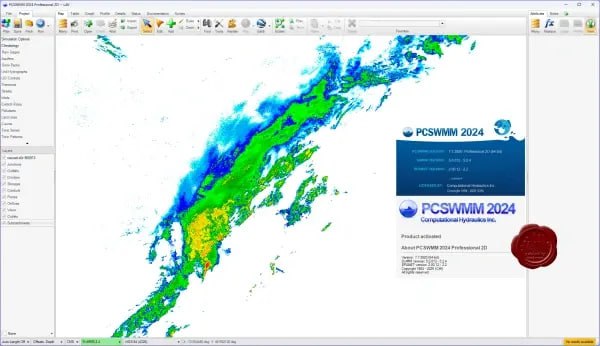
For advanced flood warning systems, it supports the acquisition and processing of radar-rainfall data. It includes bias correction methods such as the Rain Gage Moving Average (RGMA) to calibrate radar reflectivity against local ground-truth rain gage networks. This ensures that hydrologic models used for real-time forecasting are driven by the most accurate precipitation data available.6. Educational and Bibliographic Resources
It integrates a vast knowledge base directly into the interface. Users have instant access to the Journal of Water Management Modeling (JWMM), a peer-reviewed, open-access publication, as well as a searchable database of over 10,000 papers from the International Conference on Water Management Modeling (ICWMM). Furthermore, the Open SWMM community knowledge base provides answers to thousands of practical modeling questions.PCSWMM Screenshoot
What‘s New in PCSWMM 7.7.3920
The latest point release focuses heavily on enhancing 2D modeling capabilities, improving the user experience, and expanding the power of Python scripting.Enhanced 2D Modeling Workflows
- New Rain-On-Grid Methodology: Rainfall can now be applied directly to the 2D domain and obstructions, enabling more accurate simulation of runoff from buildings and complex urban surfaces.
- Downspouts Layer: A dedicated layer has been added to specify how rainfall from buildings is routed, improving the connection between structures and the drainage system.
- 2D Profile Panel: Users can now create 2D profiles by drawing transects on the map. This allows for detailed cross-sectional viewing of water surface elevations across floodplains.
Powerful Python Scripting Upgrades
- Python 3.10.10 Standardization: The scripting environment has been standardized to Python, moving away from the older IronPython dependency for core functionalities and offering a JupyterLab interface.
- New PCSWMM Python Library (pcpy): Extensive additions to the API include pcpy.TwoD for automating mesh creation and raster generation, and pcpy.FloodAnalysis for specialized flood modeling tasks.
Usability and Performance Improvements
- System Curve Analyzer: A new tool for EPANET helps analyze pump systems and water distribution networks.
- LiDAR Support: Direct support for compressed LiDAR (.laz) file formats streamlines the import of high-resolution topographic data.
- Performance Tuning: Tools like Area Weighting, 2D Create Contours, and Risk Map generation have been significantly accelerated.
System Requirements
To run this software efficiently, your system should meet or exceed the following specifications. Note that hydraulic modeling, especially 2D simulations, is computationally demanding.Minimum Requirements:
- Operating System: 64-bit Windows 11, 10, 8, 7, Vista, or XP (SP2)
- Processor: Multi-core CPU (4 physical cores or more recommended)
- RAM: 4 GB minimum (16 GB or more highly recommended for large 2D models)
- Storage: At least 2 GB of available space (SSD recommended for faster data access)
- Software: Microsoft .NET 4.8 Framework and Microsoft Visual C++ Redistributable (x86)
- Screen Resolution: Minimum 1366×768 pixels (WXGA); 1600×900 pixels recommended.
Installation Guide
Installing this software is a straightforward process designed to integrate seamlessly with your Windows environment.- Obtain the Installer: Download the installation package for PCSWMM 7.7 from the official CHI website portal.
- Run the Executable: Right-click the downloaded .exe file and select “Run as Administrator” to ensure all components are registered correctly.
- Follow the Wizard: The installation wizard will guide you through accepting the license agreement and selecting an installation directory.
- Install Prerequisites: The installer will automatically check for and prompt the installation of required dependencies, such as the Microsoft .NET 4.8 Framework and necessary C++ Redistributables, if they are not already present on your system.
- Launch and Activate: Once complete, launch PCSWMM from the desktop shortcut. You will be prompted to enter your license key or activate a trial version to begin using the software.
How to Use the Software
Mastering PCSWMM involves moving from spatial data to actionable results. Here is a typical workflow for a professional 2D modeling project.- Build Your Model: Start by importing base maps (e.g., OpenStreetMaps) and digital elevation models (DEMs). Use the automated watershed delineation tools to define subcatchments. Draw or import your 1D network of conduits, nodes, and outfalls.
- Define Properties and LID Controls: Assign land use parameters and soil properties. Utilize the Low Impact Development (LID) toolbox to place green infrastructure. Use the new Downspouts layer to connect building drainage to the system.
- Generate the 2D Mesh: Define the region for overland flow. The software will generate an unstructured mesh. Use the new Rain-On-Grid methodology to define how rainfall interacts with buildings and terrain.
- Run Simulations: Select the appropriate EPA SWMM5 engine. Execute single events or continuous simulations to model hydrology, hydraulics, and water quality.
- Analyze and Automate: View results with dynamic mapping, 3D visualizations, and the new 2D Profile panel. For complex tasks like calibration, use Python scripting to automate parameter adjustments and batch runs.
HomePage
Note: This price Is For Single PC License. If You Want To Buy KeyGen Then You Have To Go On Telegram ID @playoutking
Our Paid Service
If you want to Purchase Cracked Version / KeyGen Activator /License Key
Contact Us on our :
Join Us For Update :
Join Us For Update :
Crack Software Policies & Rules:
Lifetime Activation, Unlimited PCs/Users,
You Can test through AnyDesk before Buying,
And When You Are Satisfied, Then Buy it.
If you want to Purchase Cracked Version / KeyGen Activator /License Key
Contact Us on our :
Join Us For Update :
Join Us For Update :
Crack Software Policies & Rules:
Lifetime Activation, Unlimited PCs/Users,
You Can test through AnyDesk before Buying,
And When You Are Satisfied, Then Buy it.