
Summary
SAi Flexi Complete with its integrated Production Manager is a professional sign-making and large-format print solution developed by SA International (SAi). It is widely used in the digital Printing industry for designing, processing, color management, and production control. Unlike basic design software, Flexi Complete combines design tools and production workflow in one environment, allowing businesses to move from artwork creation to final print without switching platforms.Who Uses SAi Flexi Complete?
SAi Flexi Complete is commonly used by professional print shops, signage manufacturers, advertising agencies, branding companies, and large-format production houses. Businesses that operate eco-solvent, solvent, UV, latex, or sublimation printers rely on this software to manage daily production tasks efficiently.Production Manager: The Core of Print Control
The Production Manager is the RIP and output control center of the software. It processes design files into printer-readable data, applies ICC color profiles, controls ink limits, adjusts resolution settings, and manages multiple printer queues. This module ensures that what you see on screen is reproduced accurately on print media. In a professional production environment, this level of control reduces errors, improves turnaround time, and enhances overall workflow automation.System Requirements
- To run SAi Flexi smoothly, a 64-bit version of Windows 10 or Windows 11 is required.
- At a minimum, the system should include an Intel Core i3 processor, 8GB RAM, and sufficient free disk space.
- However, for professional production use, a Core i5 or i7 processor with 16GB RAM and SSD storage is strongly recommended.
- A high-resolution display and stable USB or network connectivity for printers are also important for optimal performance.
- Using recommended specifications ensures faster RIP processing, smoother design editing, and stable printer communication during large production jobs.
How to Install SAi Flexi
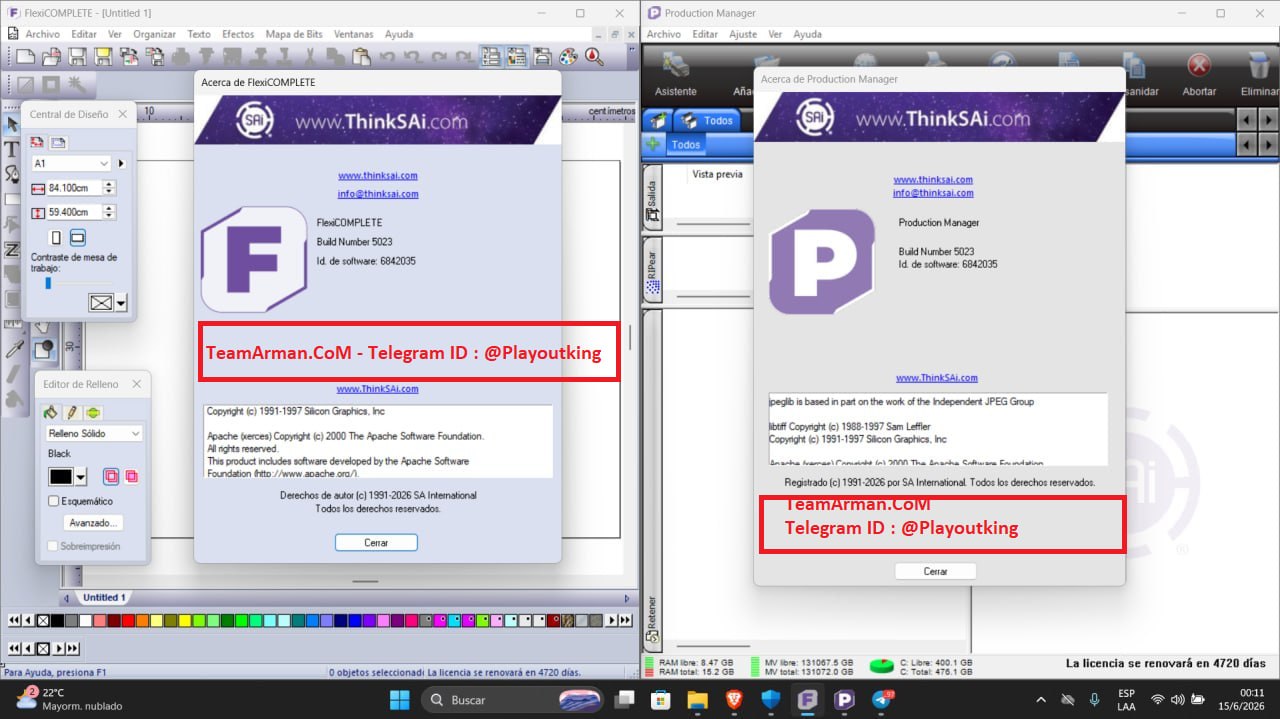
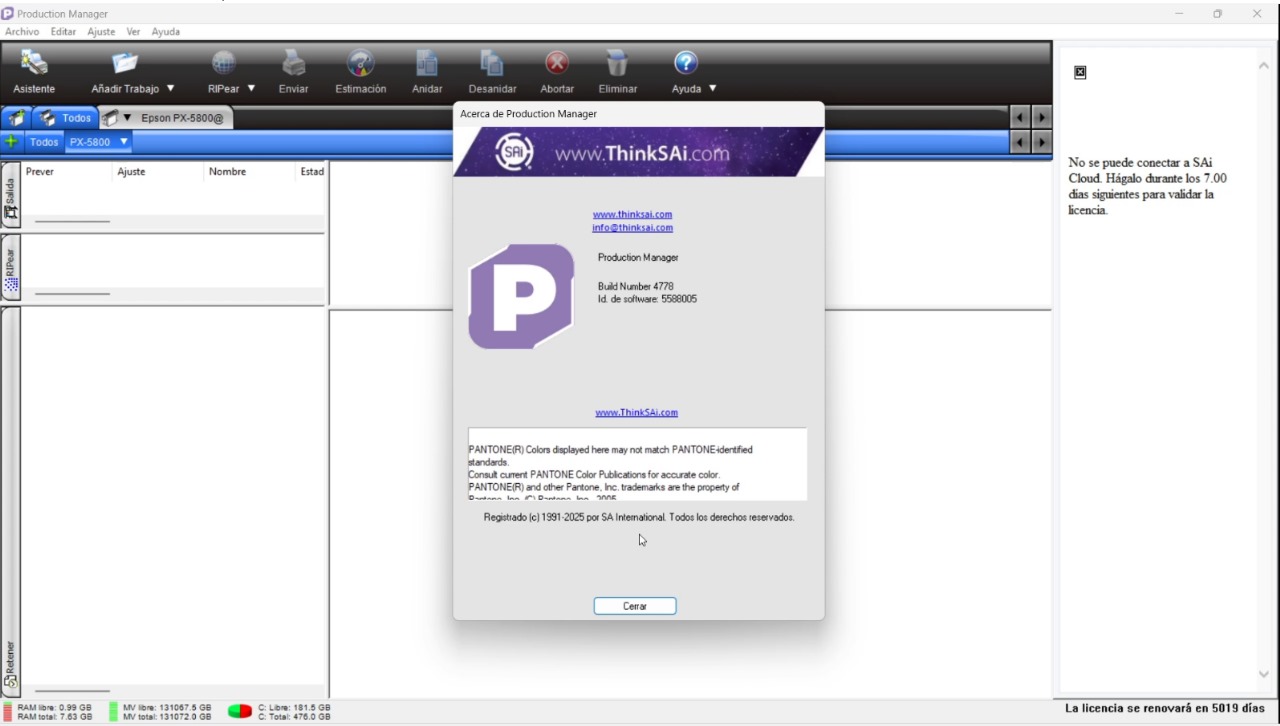
Installing SAi Flexi involves running the file and following the wizard to select necessary components, including the design interface and Production Manager. The installation process ensures proper deployment of the software on the workstation.SAi Flexi Complete Production Manager Activation Proof
Integrated Design and RIP Workflow
SAi Flexi combines advanced design tools and robust RIP capabilities into a single unified platform. This seamless integration completely eliminates file compatibility errors and drastically reduces processing time. By managing every stage of production within one system, businesses can operate much faster.Advanced Tools for High Efficiency
The software features a powerful color management system that guarantees highly accurate and consistent color reproduction. Additionally, its precise contour cutting, job queue management, and smart nesting tools maximize material utilization. These professional features, combined with wide printer compatibility, directly boost overall business profitability.Advanced Capabilities
Beyond basic design and printing, the software includes professional vector editing tools, text manipulation features, gradient controls, barcode generation, tiling support for oversized prints, and variable data printing options. These features allow businesses to handle complex and customized orders with ease. Its ability to optimize material usage through nesting tools can significantly reduce operational costs over time.Complete Workflow Overview
A typical workflow begins with creating or importing a design file. The user then configures print settings, selects appropriate color profiles, and sends the job to Production Manager. The RIP engine processes the file, applies output settings, and communicates directly with the connected printer. Once printing is completed, contour cutting can be performed if required. This seamless workflow is what makes SAi Flexi a preferred solution in the signage and large-format printing industry.Why Businesses Choose SAi Flexi
Businesses choose this software because it offers reliability, production control, and professional output quality. In a competitive print market, turnaround time and color accuracy can determine client satisfaction. With its stable RIP engine and production management tools, SAi Flexi helps businesses maintain consistent results and reduce costly reprints. For print professionals seeking a complete design-to-production solution, it remains one of the most trusted platforms in the industry.Comprehensive Production Manager and RIP Tools
The fully integrated Production Manager in this new 2026 update provides unmatched control over your active printing operations, allowing users to effortlessly queue multiple commercial print jobs and monitor hardware progress in real-time. It features intelligent, automated nesting capabilities designed to rearrange shapes on the canvas to significantly reduce raw material waste and high expenses.Advanced Color Profiling and Contour Precision
This particular version introduces an upgraded color management engine engineered specifically for high-stakes corporate branding projects, ensuring exact color reproduction across diverse media types like gloss vinyl, canvas, and fabrics. Designers can easily generate or modify custom ICC profiles to maintain consistent gradients and true-to-life tones, which is crucial for brand accuracy.HomePage
Note: This price Is For Single PC License. If You Want To Buy KeyGen Then You Have To Go On Telegram ID @playoutking
Our Paid Service
Looking for full-version software without limitations? You’re in the right place. Instead of wasting time on unreliable or outdated sources, unlock a powerful bundle of 10k+ premium tools covering marketing, SEO, broadcasting, automation, and business productivity — all in one place at an affordable price. This collection is specially curated for freelancers, agencies, and business owners who want fast, real results with professional tools.
Direct contact: :
Join Us For Update :
Join Us For Updated :
You Can test through AnyDesk before Buying,
And When You Are Satisfied, Then Buy It.
Unlimited PCs/Users.
Join today and upgrade your workflow with premium tools.
Looking for full-version software without limitations? You’re in the right place. Instead of wasting time on unreliable or outdated sources, unlock a powerful bundle of 10k+ premium tools covering marketing, SEO, broadcasting, automation, and business productivity — all in one place at an affordable price. This collection is specially curated for freelancers, agencies, and business owners who want fast, real results with professional tools.
Direct contact: :
Join Us For Update :
Join Us For Updated :
You Can test through AnyDesk before Buying,
And When You Are Satisfied, Then Buy It.
Unlimited PCs/Users.
Join today and upgrade your workflow with premium tools.